What Is Digital Marketing? A Complete Beginner Guide
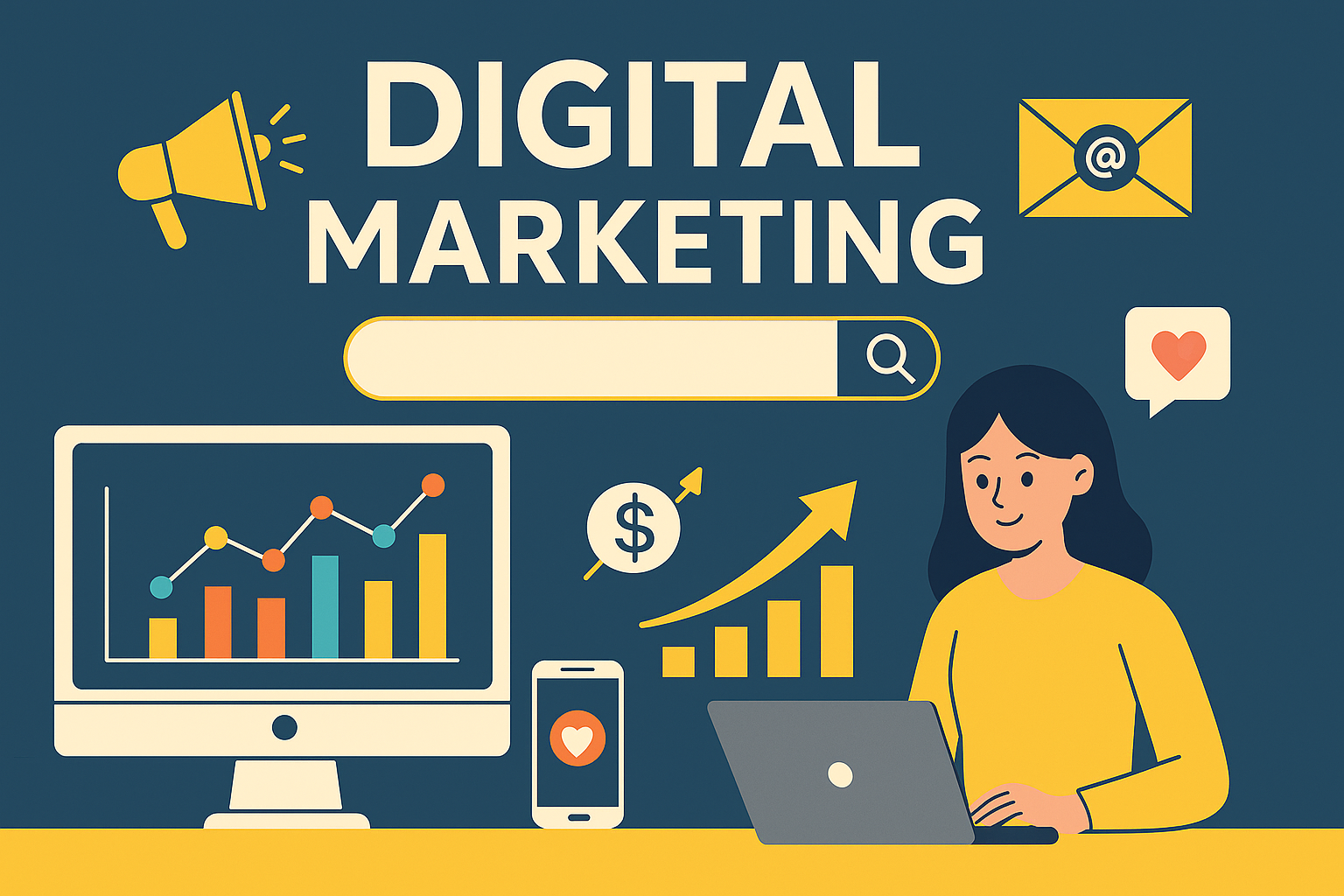
In today’s world, almost every business needs an online presence. Chaahe aap ek small shop ho, startup ho, ya service provider — customers aapko pehle Google, Instagram, YouTube, Facebook ya website par hi search karte hain.Isi wajah se Digital Marketing ek essential skill ban chuki hai. Is blog me aap step-by-step samjhoge ki digital marketing kya hoti hai, kaise kaam karti hai, aur 2025 me businesses isse kaise grow karte hain. 1. Digital Marketing Kya Hai? Simple words me:Digital Marketing wo process hai jisme hum internet ke through apne products aur services ko promote karte hain. Isme websites, social media, search engines, email, ads, aur online content ka use hota hai. Traditional marketing print ads, hoardings aur TV par hoti hai,jabki digital marketing online hoti hai — jisse results track karna, audience ko target karna aur budget control karna mushkil nahi rehta. 2. Digital Marketing Kaise Kaam Karta Hai? Digital marketing ka main goal hota hai: Aap content publish karte ho, users ise dekhte hain, engage karte hain aur phir eventually customer ban jaate hain. 3. Digital Marketing Ke Major Types 1. Search Engine Optimization (SEO) SEO ka matlab apni website ko Google me rank karwana.Isme do cheezein aati hain: Agar SEO strong hai to aap free organic traffic la sakte ho. 2. Social Media Marketing (SMM) Instagram, Facebook, YouTube, LinkedIn par content create karke online audience build karna. SMM se: 3. Content Marketing Content marketing ka matlab valuable content create karna: Ye audience ko educate karta hai aur trust banata hai. 4. Google Ads / Paid Ads Paid ads ka use karke: Instantly generate kiye ja sakte hain.Ye results fast dete hain par budget required hota hai. 5. Email Marketing Customers ka email collect karke unhe newsletters, offers, updates bhejna.Email marketing sabse high ROI deti hai. 4. Digital Marketing Kyun Zaroori Hai? 2025 me digital marketing har business ke liye important hai: Digital marketing ke bina kisi bhi business ka grow karna mushkil ho gaya hai. 5. Digital Marketing Kaise Shuru Karein? (Beginner Steps) Step 1: Apna Business Goal Decide Karein Aapko leads chahiye, sales, website traffic ya followers? Step 2: Ek Professional Website Banayein Website aapka online office jaisa hota hai. Step 3: SEO Basics Seekhein Keywords, meta tags, headings — basic on-page knowledge zaroori hai. Step 4: Social Media Presence Banayein Regular content posting se brand trust build hota hai. Step 5: High Quality Content Publish Karte Raho Content hi digital world ka king hai. Step 6: Google Analytics Se Results Track Karein Kaun dekh raha hai, kahan se aa raha hai, kis page par time spend kar raha hai — sab track hota rahega. 6. Digital Marketing Ka Future (2025 & Beyond) Isliye business ko regular upgrades karte rehna zaroori hai. Digital marketing ek powerful tool hai jisse koi bhi business online grow kar sakta hai.Agar aap right strategy, quality content, SEO, aur social media ka combination use karte hain — to results guaranteed hote hain. Aap chaahe freelancer ho, business owner ho ya beginner —digital marketing seekhna aaj ki sabse profitable skill hai.
ChatGPT Go Free for 1 Year in India | Real Experience + Step-by-Step Activation (2025)
I activated ChatGPT Go free for 1 year in India! Learn the real working method — including the ₹1 UPI step — and how you can claim your free ChatGPT Go subscription today. OpenAI ne India me ek dhamakedaar offer diya hai — ChatGPT Go 1 year ke liye bilkul free!Normally paid plan hota hai, lekin ab aap ₹0 me 12 months ka access le sakte ho.Mainne khud ye activate kiya hai aur process 100% genuine hai ✅ ⚙️ What You Get in ChatGPT Go (Free Plan 2025) 🪜 Step-by-Step Activation Process (Working Method) Step 1: Go to ChatGPT Website Visit 👉 https://chat.openai.comLogin ya naya account create karo. Step 2: Go to Settings → Subscription Sidebar me apna profile photo → Settings → Upgrade Plan → ChatGPT Go Free for 1 Year Step 3: Choose Payment Method (UPI Recommended) Select UPI option — (Google Pay / Paytm / PhonePe). ⚠️ Important:Aapki UPI linked bank account me ₹1 hona zaruri hai.Activation ke time OpenAI ₹1 test debit karta hai (verification ke liye).Ye amount confirm hone ke baad 1-year free plan instantly activate ho jata hai. Maine khud ye step kiya hai — ₹1 cut hua aur turant “Your ChatGPT Go Plan is Active for 12 Months” message aaya 🎉 Step 4: Confirmation Mail Check Karo OpenAI se ek confirmation email aayegi —“Your ChatGPT Go subscription is now active.” Bas! Ab aapke paas 1 year ka premium access hai — free of cost ✅ 💡 FAQ – Common Doubts Q. Kya ye offer sabko mil raha hai?➡️ Haan, India ke saare verified users ke liye available hai (limited-time). Q. Kya ₹1 refund hota hai?➡️ Nahi, ye verification debit hai (non-refundable). Q. Kab tak activate kar sakte hain?➡️ November 2025 ke promotional window ke andar karna hoga. ✍️ Conclusion Agar aap ChatGPT regular use karte ho, to ye chance miss mat karo.Bas ek ₹1 UPI verification ke baad aapko milta hai poore 12 months ke liye ChatGPT Go free! Maine personally try karke confirm kiya hai — 100% working 🔥 Read more tech updates & how-to guides:🌐 createyourprowebsite.com📞 +91 8882449442
How to Make a Professional Logo for Free Online (Beginner Guide) (Step-by-Step Guide)
Learn how to create a professional logo free online using Canva, Looka, and other tools. Step-by-step guide for beginners to design brand logos easily. A logo is the identity of your brand. It represents your business everywhere — website, social media, packaging, ads, etc.But don’t worry — you don’t need a designer to create a professional logo.You can make it yourself free online using easy tools. Here’s a simple step-by-step guide 👇 Step 1: Understand Your Brand Style Before designing, decide: Example:A tech brand → Blue + White + Minimal fontA fashion brand → Black + Gold + Stylish font Step 2: Use a Free Logo Maker Tool ✅ Best Websites for Free Logo Designing Tool Why Use It Link Canva Easy templates, drag & drop canva.com Looka AI-based logo suggestions looka.com FreeLogoDesign Quick minimal designs freelogodesign.org Hatchful by Shopify Perfect for eCommerce brands hatchful.shopify.com Step 3: Create Your Logo in Canva (Free & Easy) Pro Tip: Choose simple & clean — modern logos are minimal. Step 4: Download in High Quality Once done: Step 5: Test Your Logo Check your logo on: If it looks clean everywhere → Perfect! Example Logo Styles to Use Simple works best. Need a Custom Website for Your Brand? 📍 Visit: createyourprowebsite.com📞 Contact: +91 8882449442 We build:
Hidden Windows 11 Settings to Improve Speed & Productivity (2025 Guide)

Learn hidden Windows 11 settings that make your laptop faster. Improve performance, multitasking, and workflow efficiency with simple steps. If your laptop feels slow or your work takes more time, these tweaks will help you work faster and smoother. Let’s begin 👇 1. Enable “Efficiency Mode” for Apps If Chrome, Edge, or any app consumes too much memory, enable Efficiency Mode. Steps: ✔ Your laptop gets cooler✔ Less lag✔ Better battery life 2. Turn On “Snap Layouts” for Faster Multitasking Move apps side-by-side without dragging and resizing manually. Steps: Perfect for: 3. Disable Startup Apps You Don’t Need Many apps start automatically and slow down your PC. Steps: Result → Laptop boots 2X faster 4. Use “Clipboard History” to Copy Multiple Items Copy not just one thing — but your whole recent copy history. Turn On: Click Turn On Now you can copy multiple lines, paste anytime — super useful for office & coding. 5. Enable “Focus Sessions” (No Distractions Mode) This helps you stay focused without notifications. Steps: Good for: 6. Use “Power Mode” for Maximum Performance Steps: ✔ Faster processing✔ Low lag⚠ Slightly more battery usage Conclusion These hidden Windows 11 features can save time and make your workflow fast & smooth.Try them today and feel the difference. Need a Fast, Business-Ready Website? 📍 Visit: createyourprowebsite.com📞 Contact: +91 8882449442 We build:
How to Speed Up Your Laptop in Just 2 Minutes (Without Any Software)

Learn how to speed up your laptop in just 2 minutes without installing any software. Simple steps to instantly improve performance and reduce lag. Is your laptop getting slow while doing simple tasks like browsing, editing documents, or attending online classes? Don’t worry — you don’t need to install any software or take your laptop to a repair shop. In this guide, I’ll show you 5 quick steps that can instantly make your laptop faster, and it takes only 2 minutes. ✅ Why Your Laptop Becomes Slow Over time, laptops collect: These things consume RAM and CPU, making your laptop lag and hang. Let’s fix this step by step. 1. Close Background Apps (Instant RAM Boost) Result:Your laptop will instantly feel lighter and smoother. 2. Disable Unnecessary Startup Programs Many apps start running automatically when you turn on your laptop. Fix it like this: Result:Your laptop will boot up faster and run smoothly. 3. Clear Temporary & Junk Files These files are safe to delete — they only waste storage. Note: If some files don’t delete, just skip. Result:Free storage + faster system response. 4. Switch to Maximum Performance Mode Result:Your processor performs at its highest speed. 5. Restart the Laptop Restarting refreshes RAM & applies all changes. Bonus Tip (Highly Effective Upgrade) If your laptop still feels slow, consider upgrading: Upgrade Benefit RAM (8GB+) Smooth multitasking SSD Laptop becomes 2x to 5x faster than HDD Even a 4–5 year old laptop becomes like new after SSD upgrade. Conclusion You don’t need to spend money or download apps to speed up your laptop. Just: These simple steps instantly improve performance. Try it now and enjoy a fast and smooth laptop experience. 🚀