How to Make a Professional Logo for Free Online (Beginner Guide) (Step-by-Step Guide)
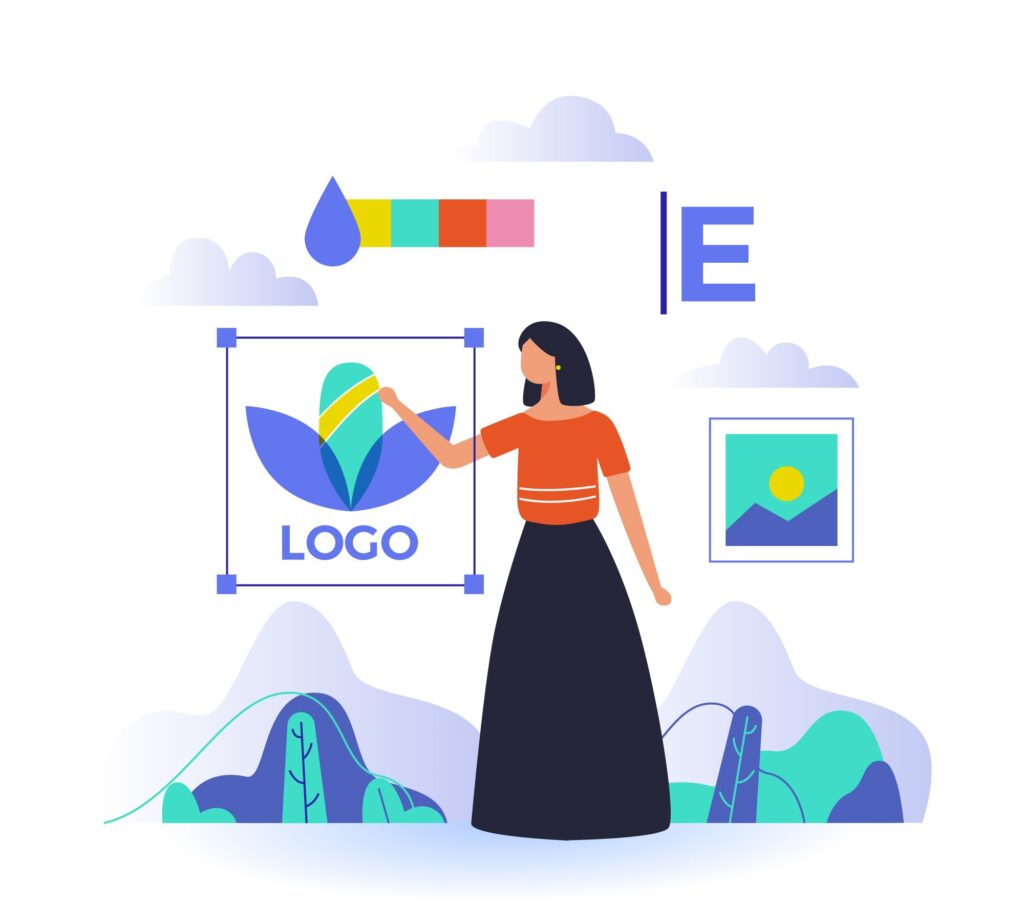
Learn how to create a professional logo free online using Canva, Looka, and other tools. Step-by-step guide for beginners to design brand logos easily. A logo is the identity of your brand. It represents your business everywhere — website, social media, packaging, ads, etc.But don’t worry — you don’t need a designer to create a professional logo.You can make it yourself free online using easy tools. Here’s a simple step-by-step guide 👇 Step 1: Understand Your Brand Style Before designing, decide: Example:A tech brand → Blue + White + Minimal fontA fashion brand → Black + Gold + Stylish font Step 2: Use a Free Logo Maker Tool ✅ Best Websites for Free Logo Designing Tool Why Use It Link Canva Easy templates, drag & drop canva.com Looka AI-based logo suggestions looka.com FreeLogoDesign Quick minimal designs freelogodesign.org Hatchful by Shopify Perfect for eCommerce brands hatchful.shopify.com Step 3: Create Your Logo in Canva (Free & Easy) Pro Tip: Choose simple & clean — modern logos are minimal. Step 4: Download in High Quality Once done: Step 5: Test Your Logo Check your logo on: If it looks clean everywhere → Perfect! Example Logo Styles to Use Simple works best. Need a Custom Website for Your Brand? 📍 Visit: createyourprowebsite.com📞 Contact: +91 8882449442 We build: